Blush Garden Rose
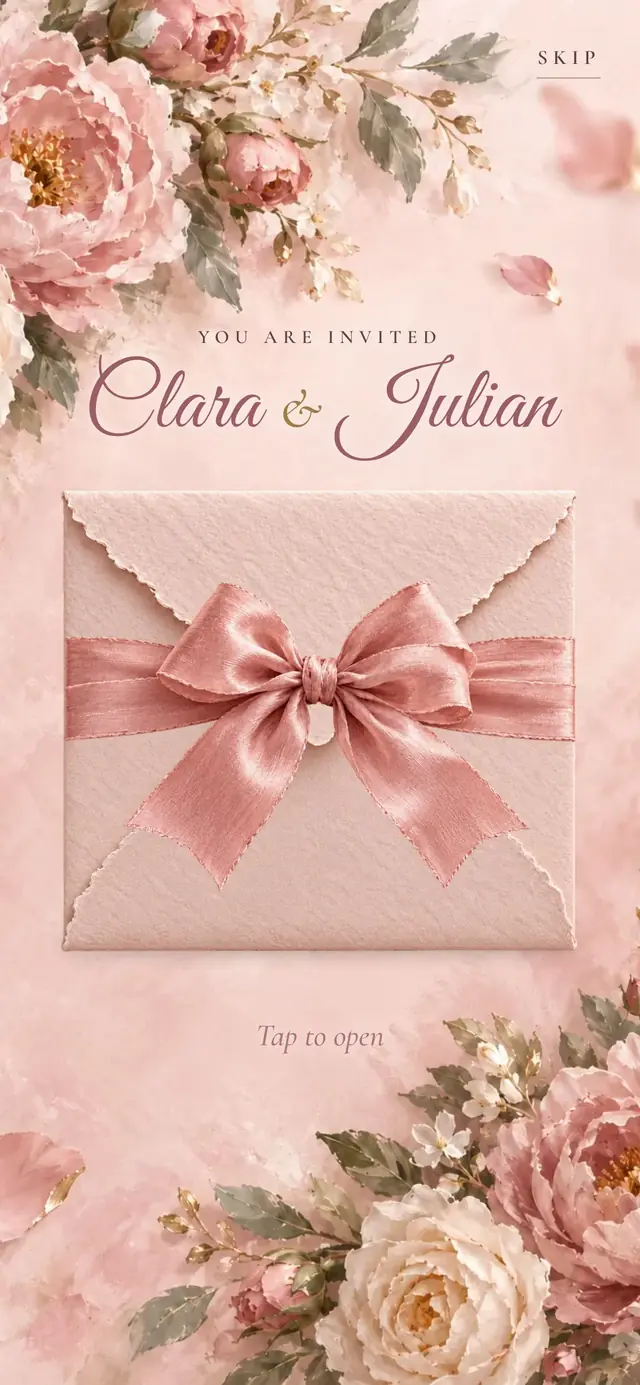
Blush pink envelope with a ribbon bow, peonies, garden roses and gold arched frames.
1,460 TRY on Etsy
Pale grey envelope with a round deckle-edged flap and a cherry blossom twig, watercolor blossoms and petals.
Spring in a soft pink mist: watercolor cherry blossom branches reaching in from two corners, single petals drifting across the screen, and a pale grey handmade-paper envelope with a round, deckle-edged white flap, closed at its tip with a five-blossom cherry twig. Inside: deckle-edged ivory cards, blossom-wreathed round and oval frames and a formal script.
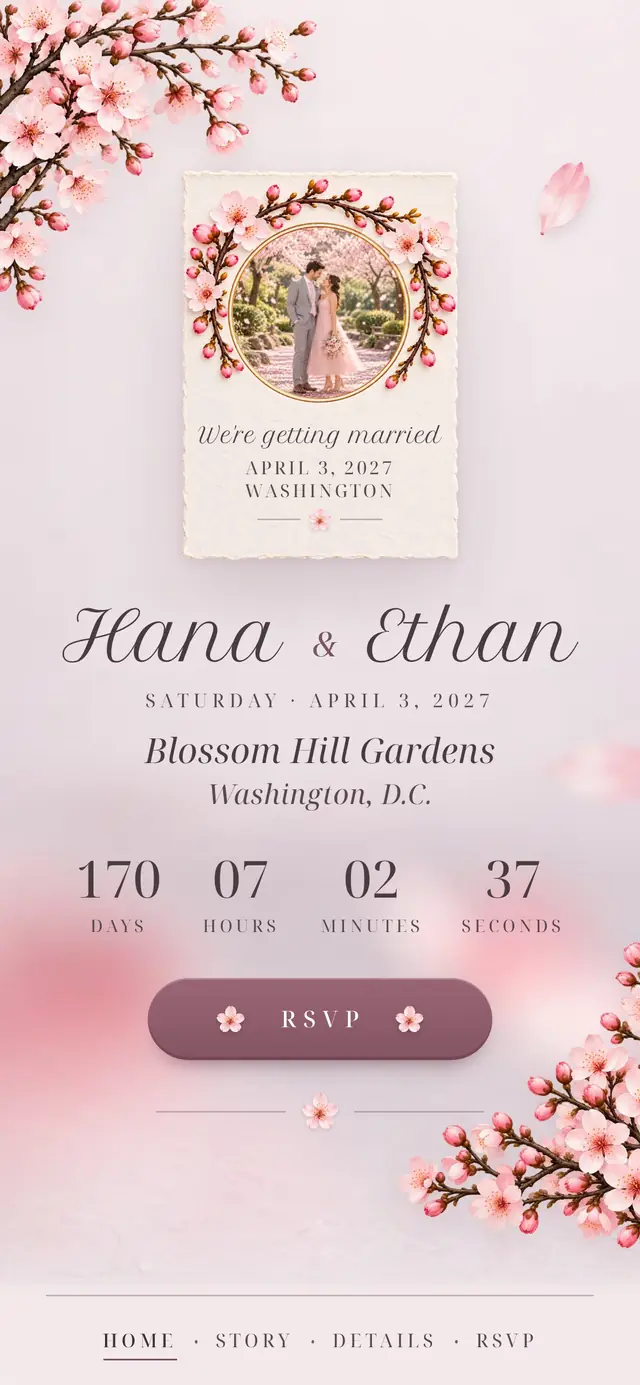
Home
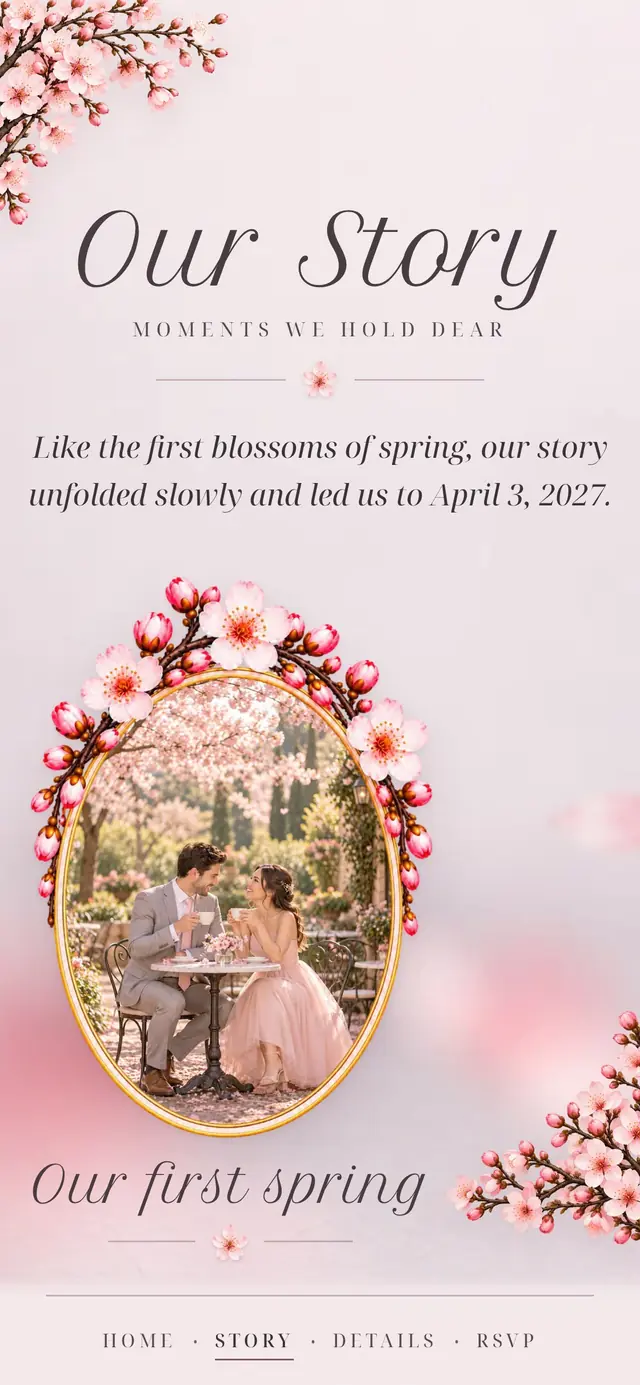
Our Story
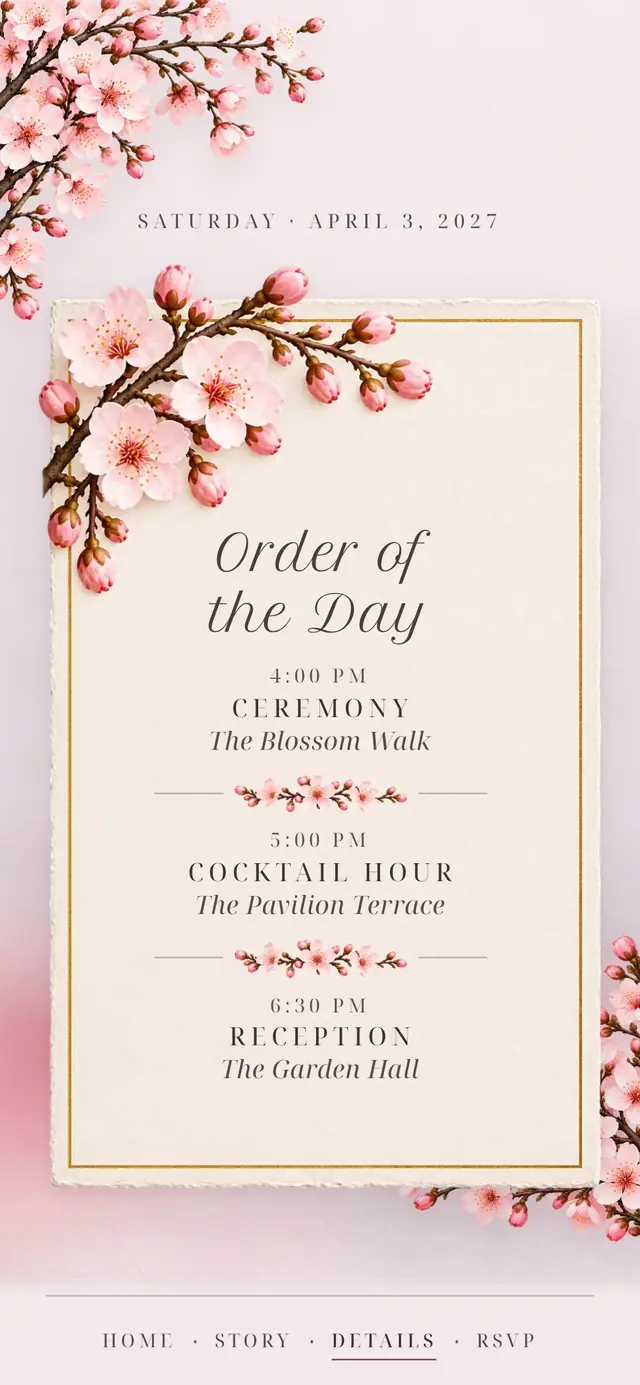
Details
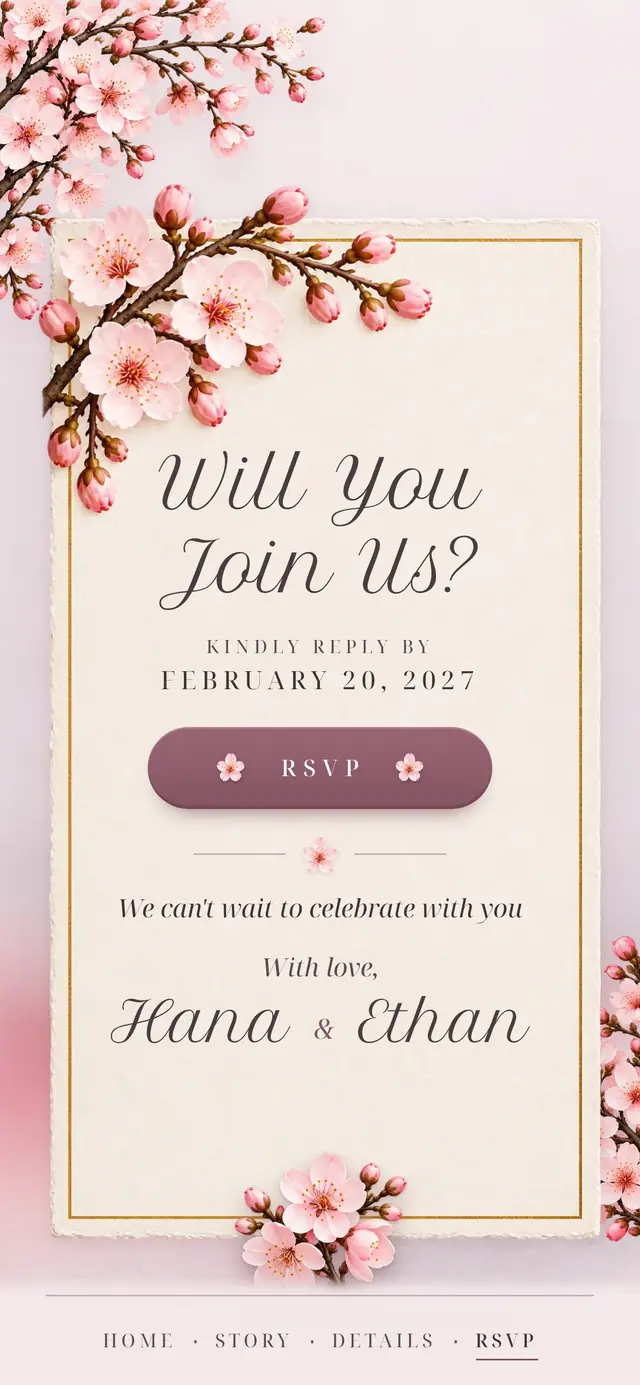
RSVP
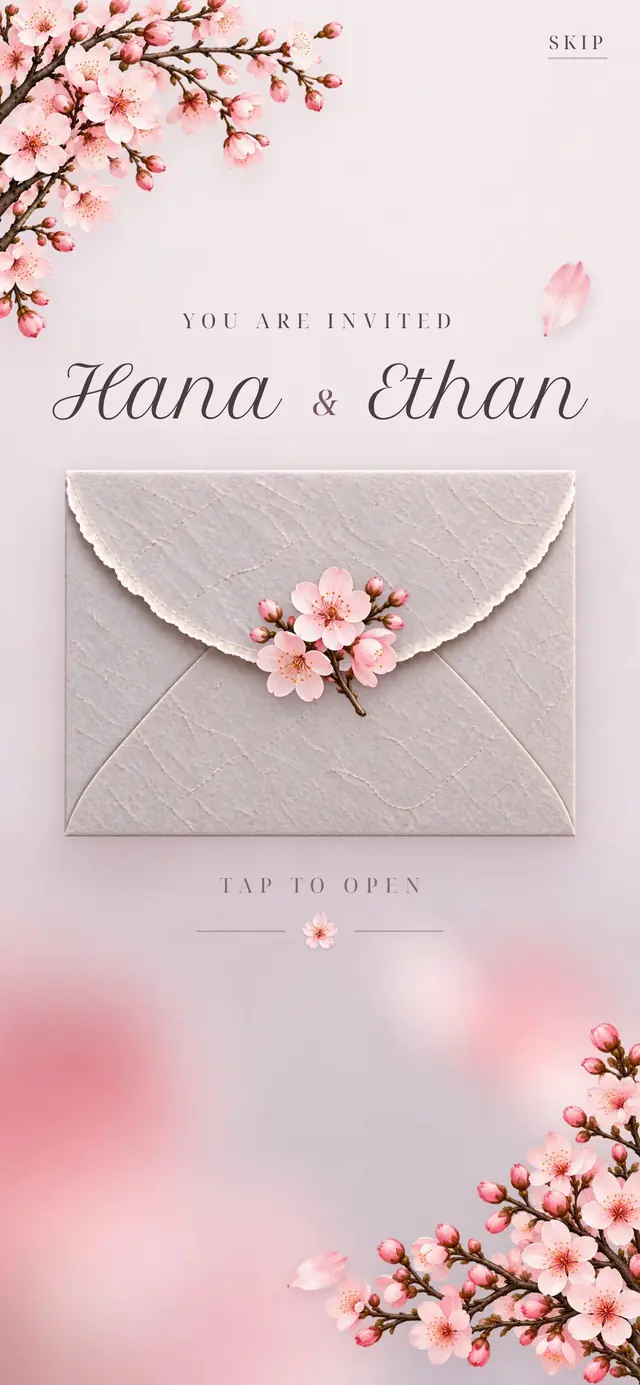
Sealed
Home
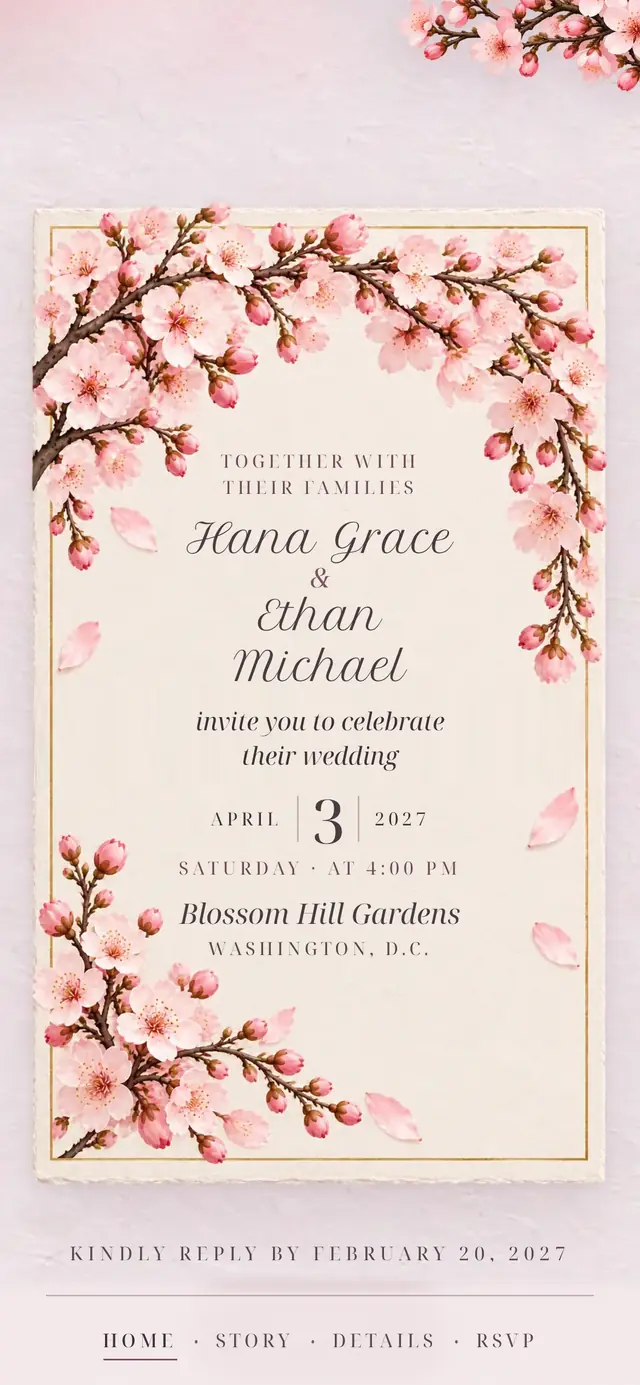
Invitation card
Our Story
Details
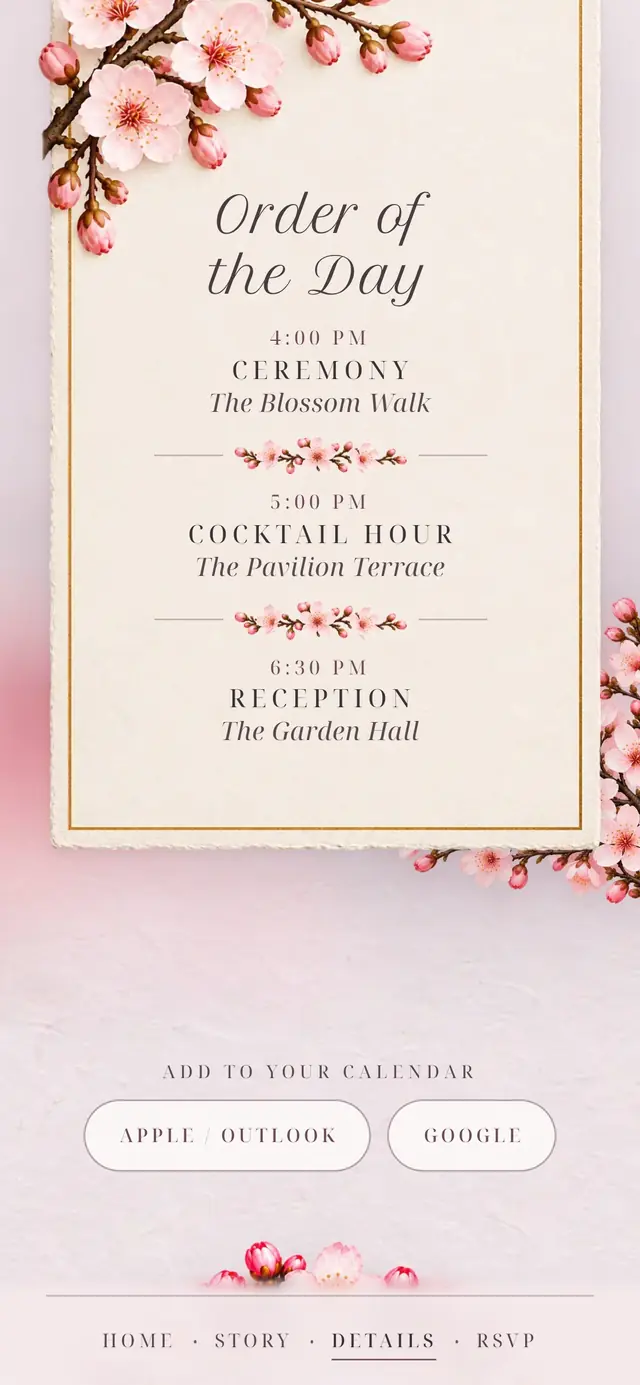
Schedule
RSVP
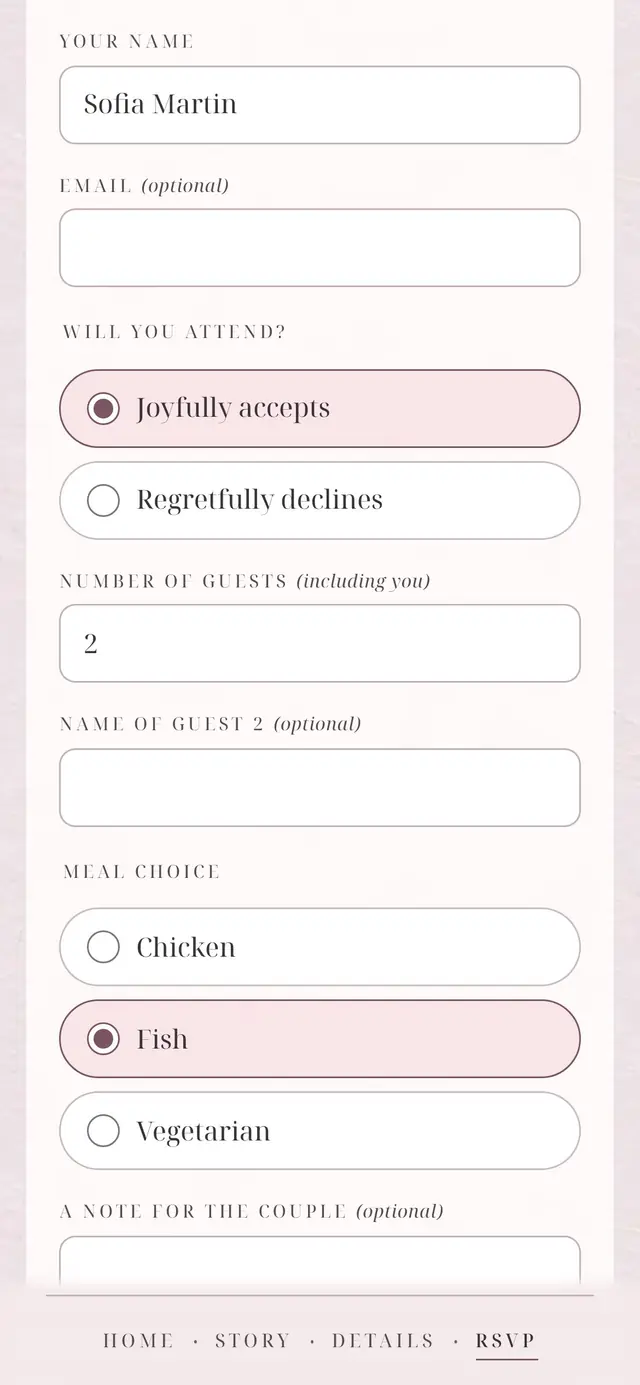
Reply form
The same panel edits every design: real screens, demo content.
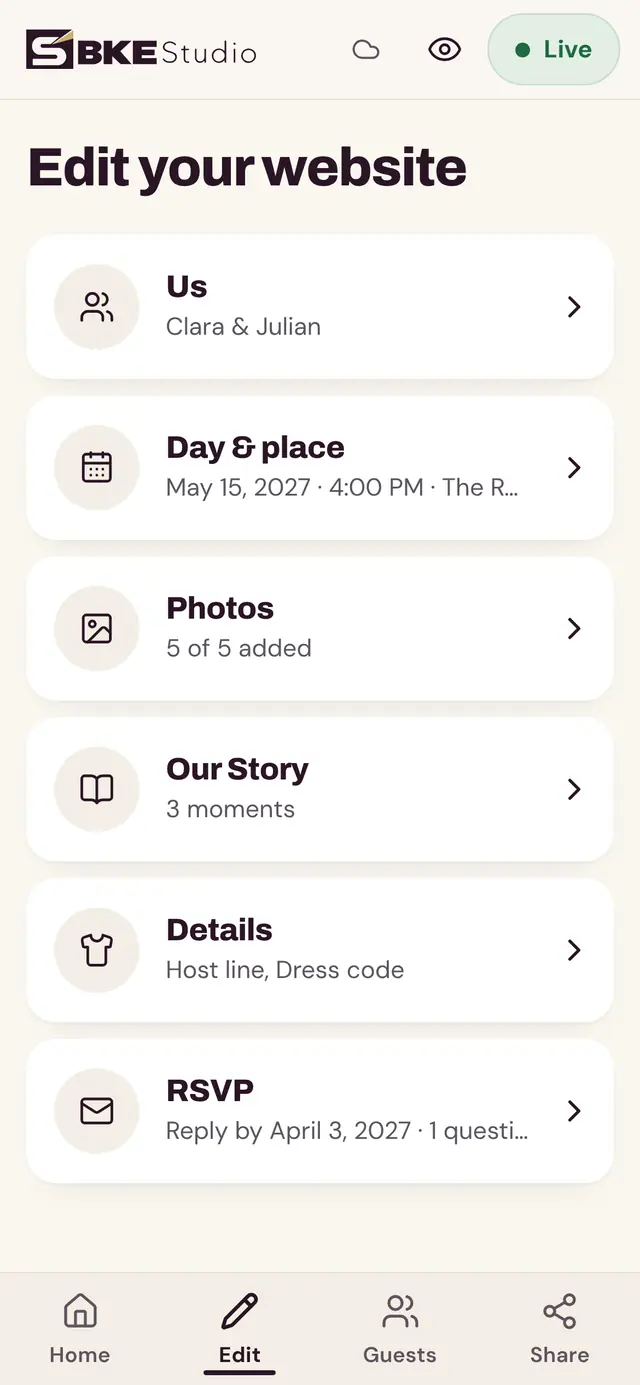
Edit
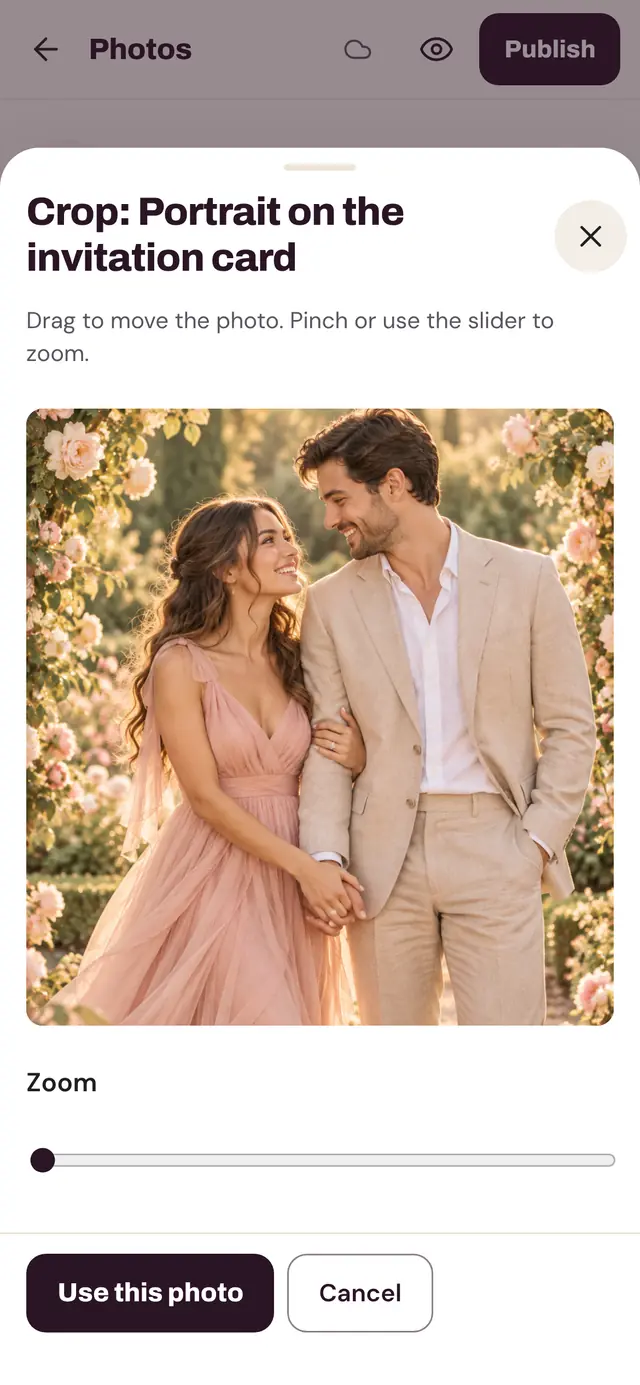
Photos
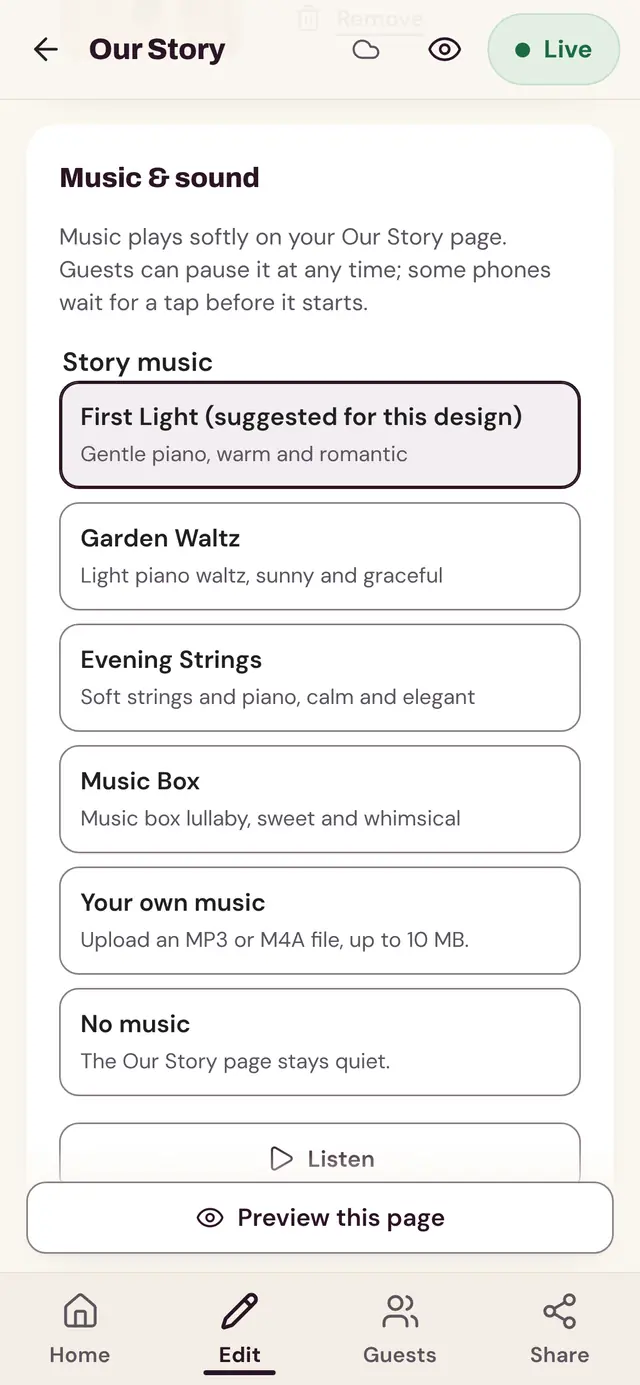
Music
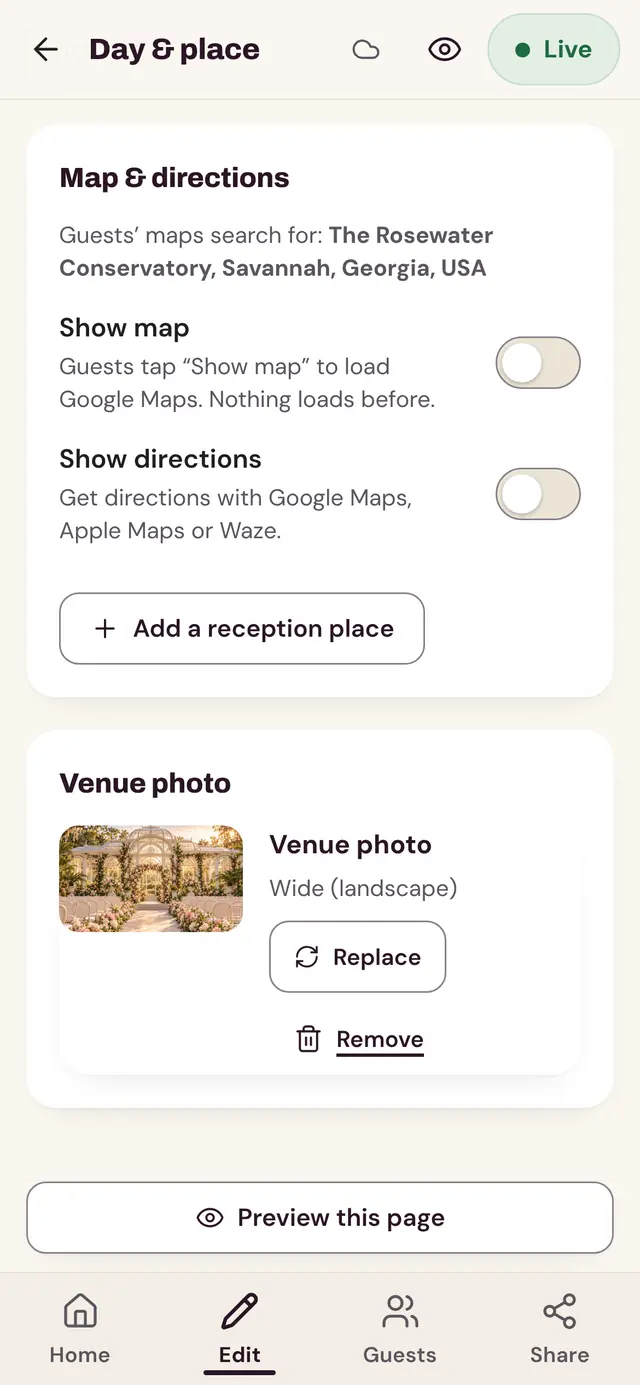
Map
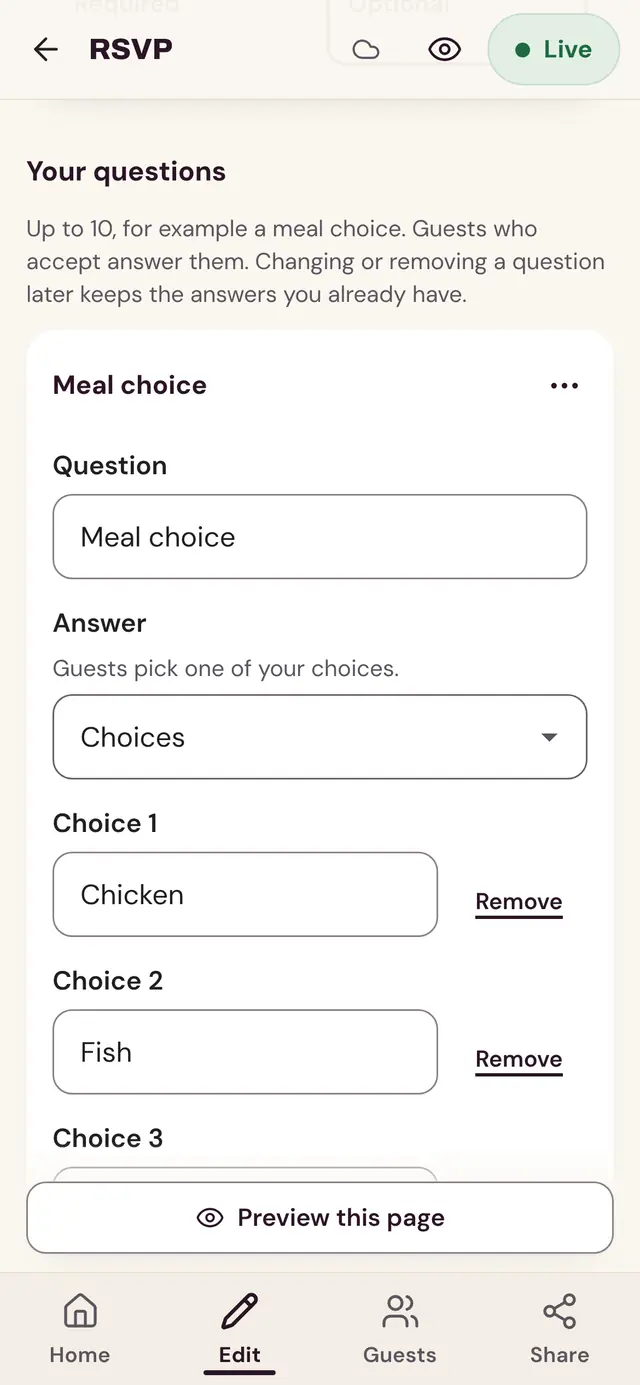
RSVP
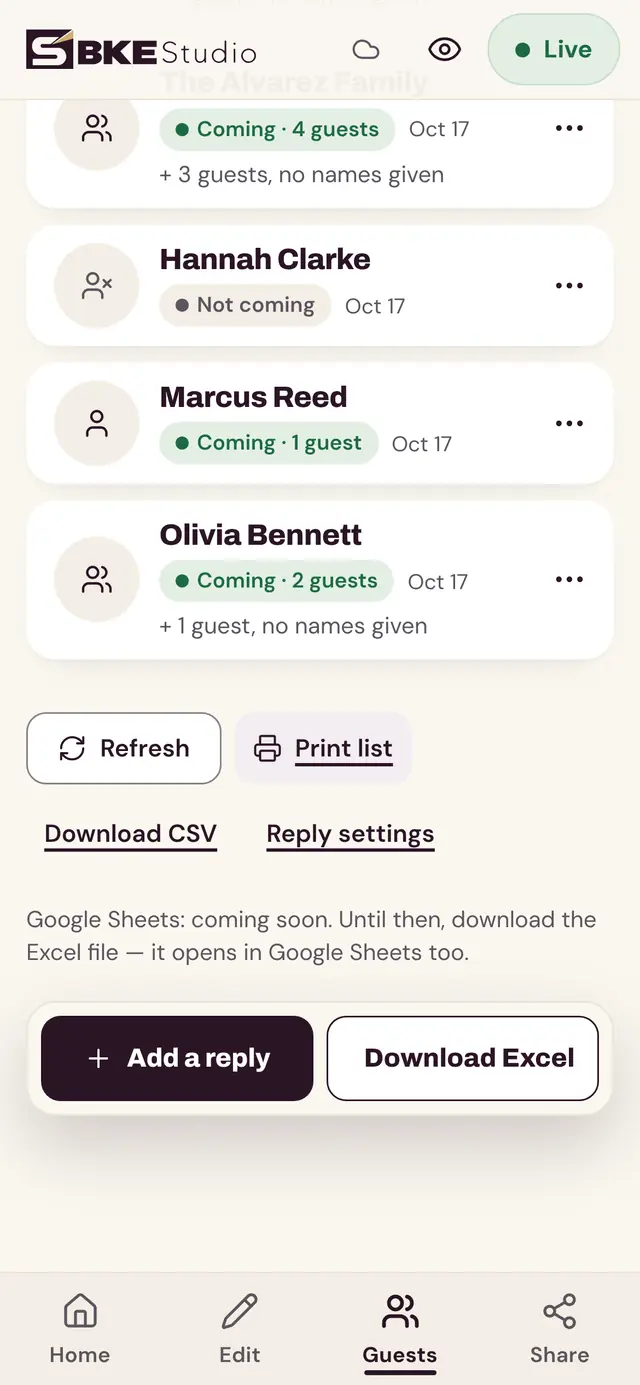
Guest list
The opening
Your guests tap the envelope. The blossom twig trembles, loosens and drifts off the top of the screen, the curved grey flap lifts to show a cherry blossom liner, and a card with your portrait rises from the pocket as a gentle flurry of cherry petals swirls up and floats across the screen. The card comes forward to become the first screen of your home page.
This is a real screen recording of the design with demo content (Hana & Ethan are fictional). Guests can skip the animation, and on a phone set to reduce motion a tap goes straight to the home page.
No. The artwork, colors and fonts stay as designed, because the envelope, cards and frames are painted to match. You change the content: names, details, photos and questions. See all designs to compare palettes.
5: a portrait on the invitation card, 3 photos for Our Story and one of the venue. You crop each one to its frame in the panel, on your phone. Our Story can be switched off if you prefer fewer photos.
Yes. Until you add your own, each photo spot shows a soft, neutral image made from the design's artwork, never a sample couple. The "Your photo here" label is only visible to you in preview, not to guests.
Not yet. You can share your website link early, as a digital save the date, and add the full details later: guests always see the latest version. Read about timing.
Blush pink envelope with a ribbon bow, peonies, garden roses and gold arched frames.
1,460 TRY on Etsy
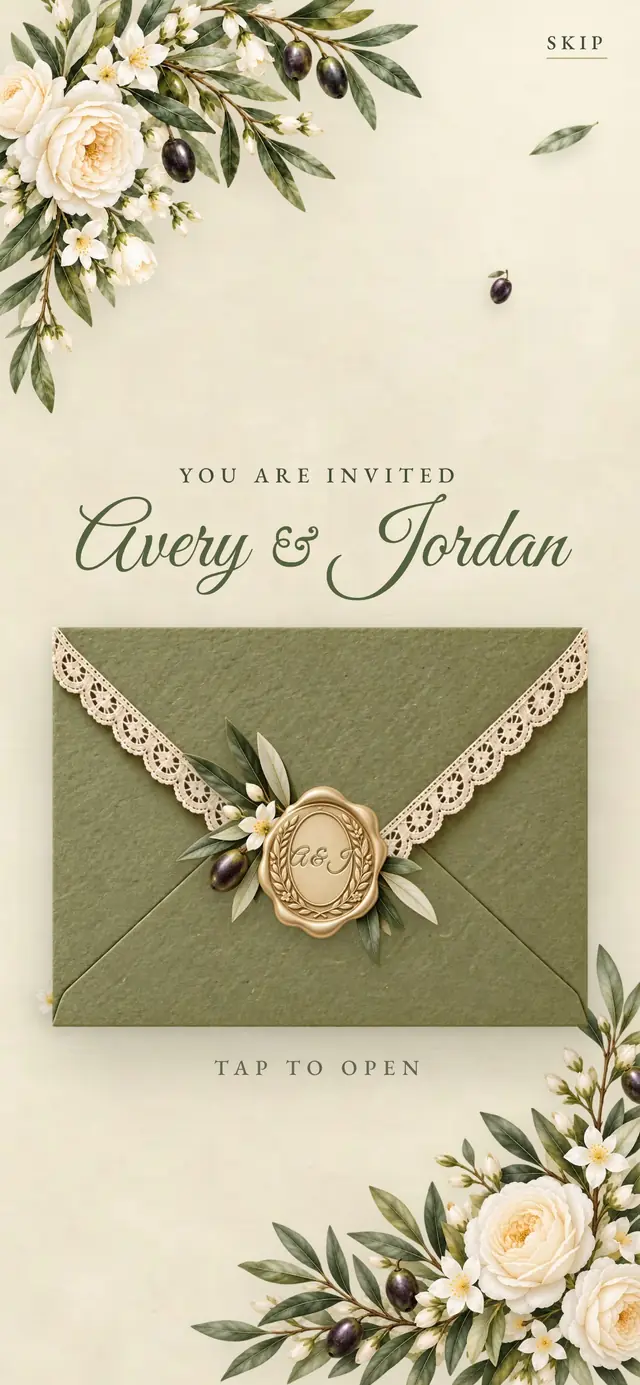
Olive green envelope with an ivory lace edge, a wax seal with your initials and olive branches.
1,460 TRY on Etsy
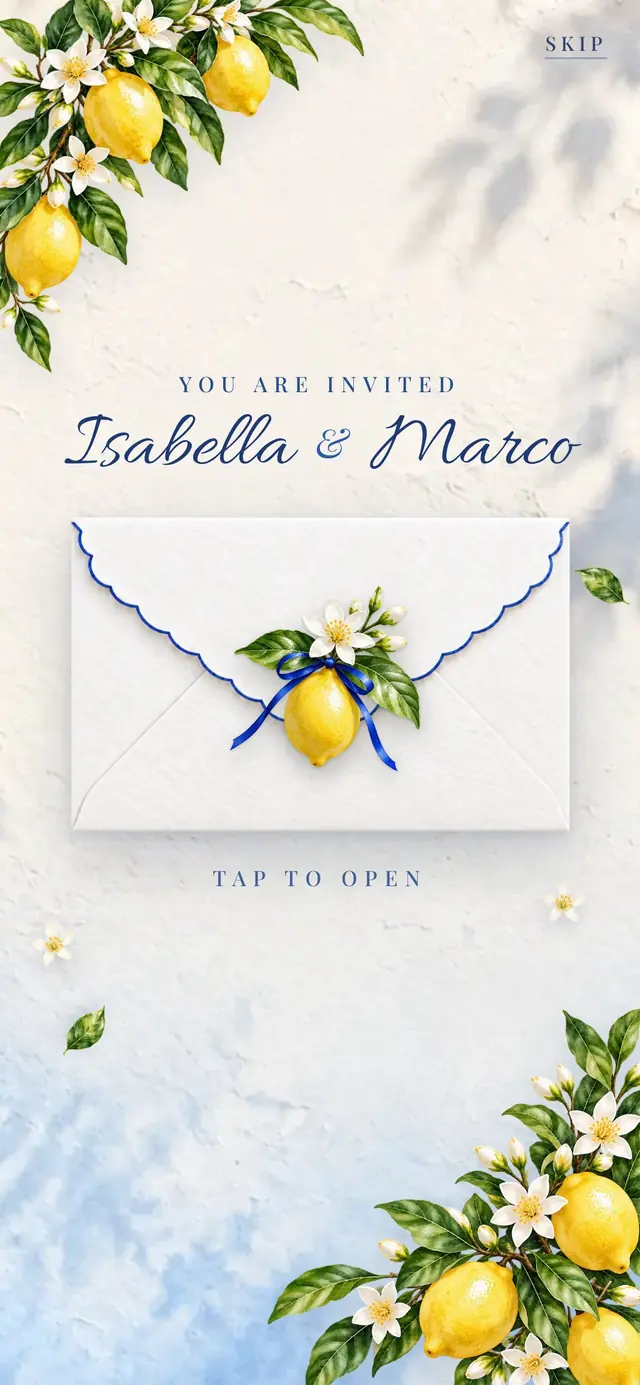
White envelope with a cobalt scalloped edge and a lemon tie, blue-and-white tile frames and lemon branches.
1,460 TRY on Etsy
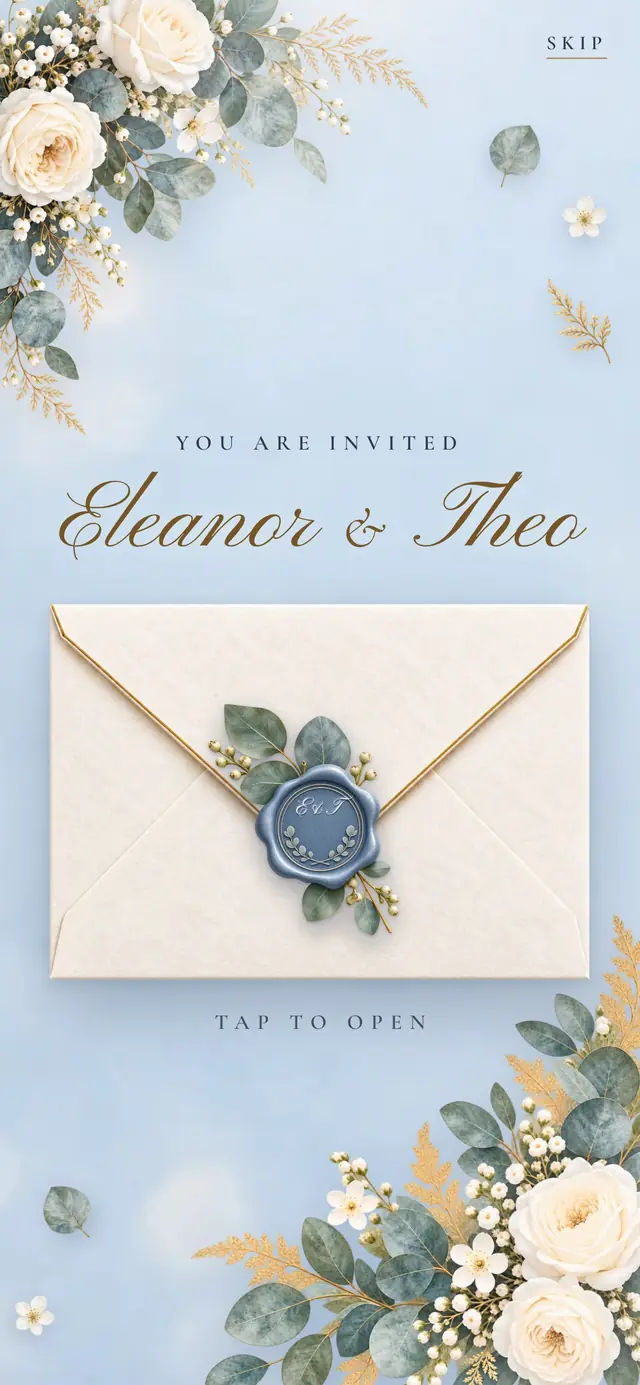
Ivory envelope with a champagne gold edge and a dusty blue wax seal, cream roses, eucalyptus and instant-photo cards.
1,460 TRY on Etsy
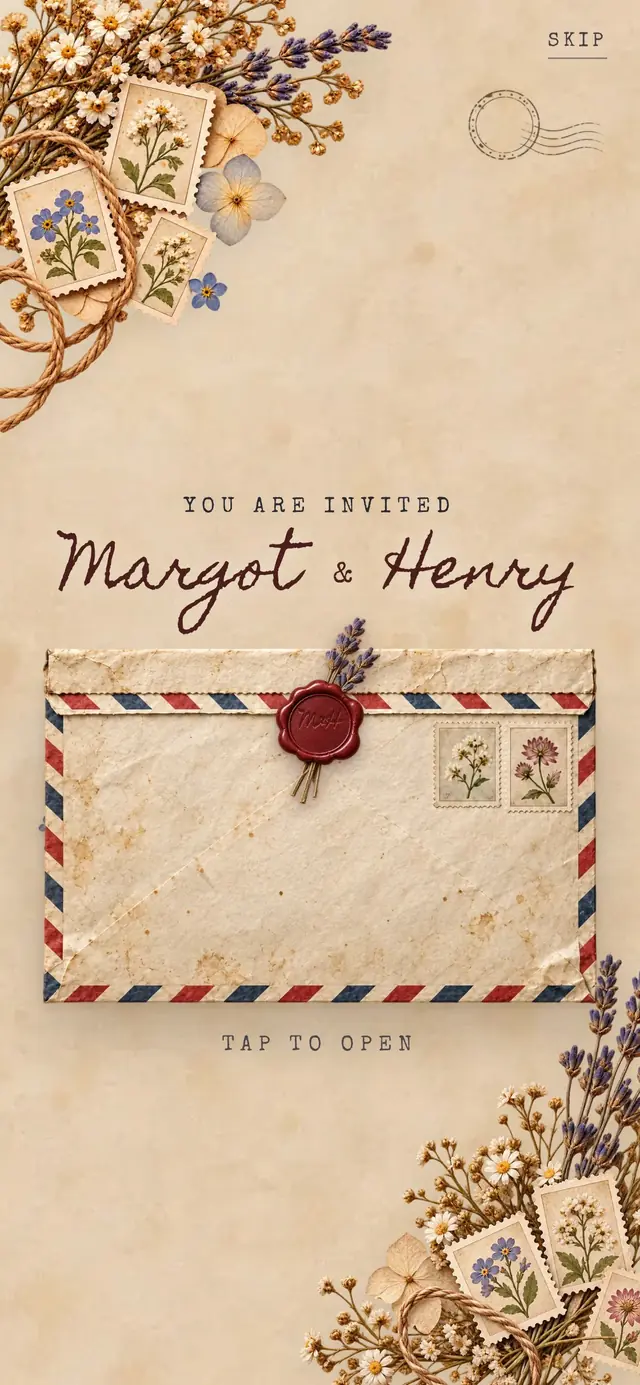
Red and navy striped airmail envelope with a burgundy wax seal, postage stamps, postmarks and pressed flowers.
1,460 TRY on Etsy
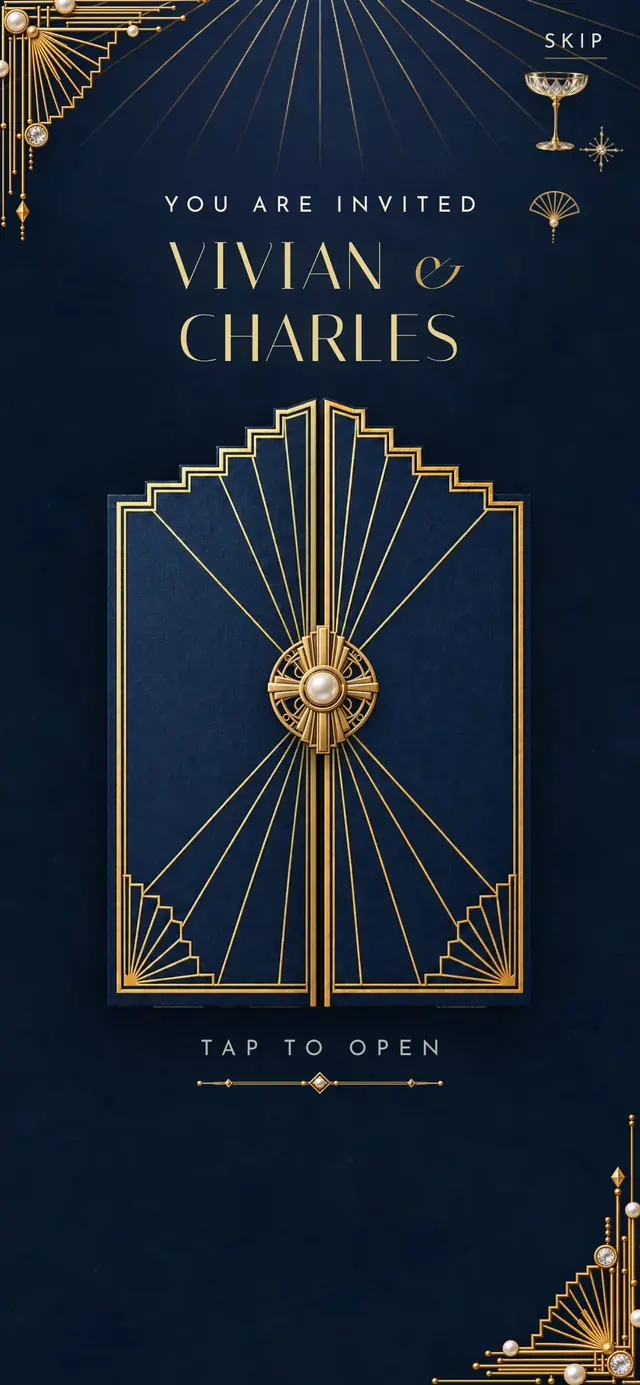
Navy two-door gatefold with a gold art deco medallion, gold fan rays, pearls and stepped deco arch frames.
1,460 TRY on Etsy
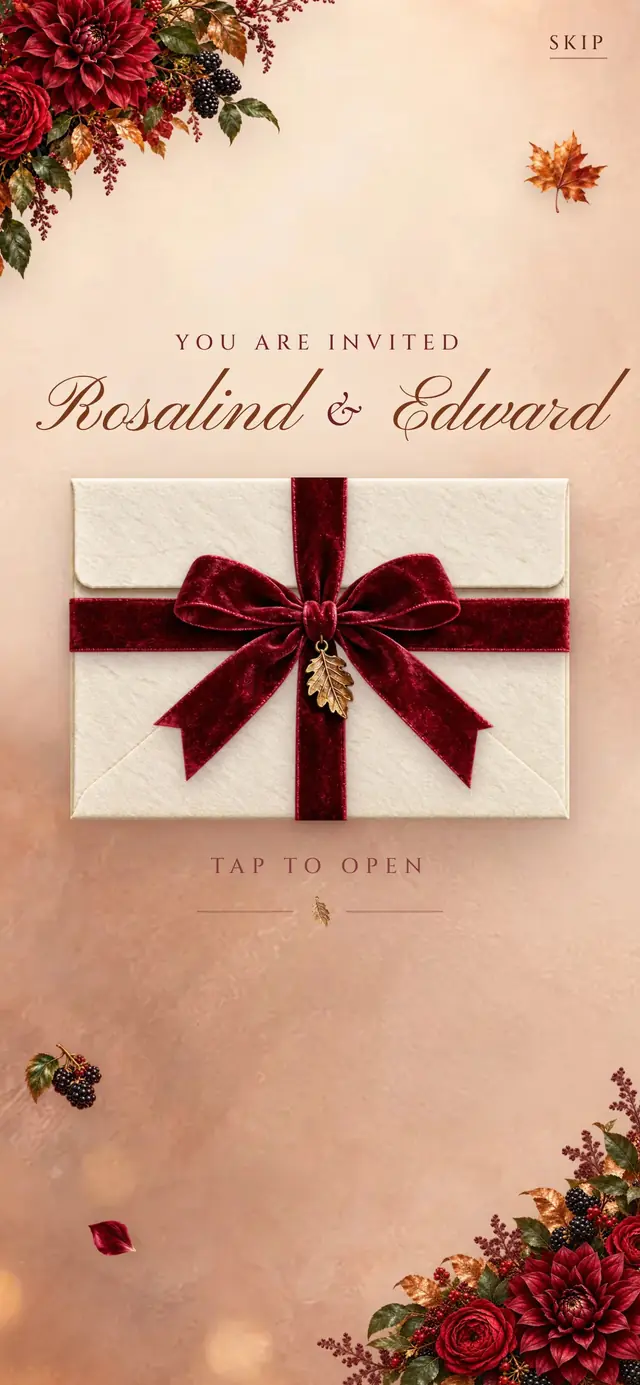
Ivory envelope wrapped in burgundy velvet ribbon, dahlias, blackberries, copper autumn leaves and oval gold frames.
1,460 TRY on Etsy
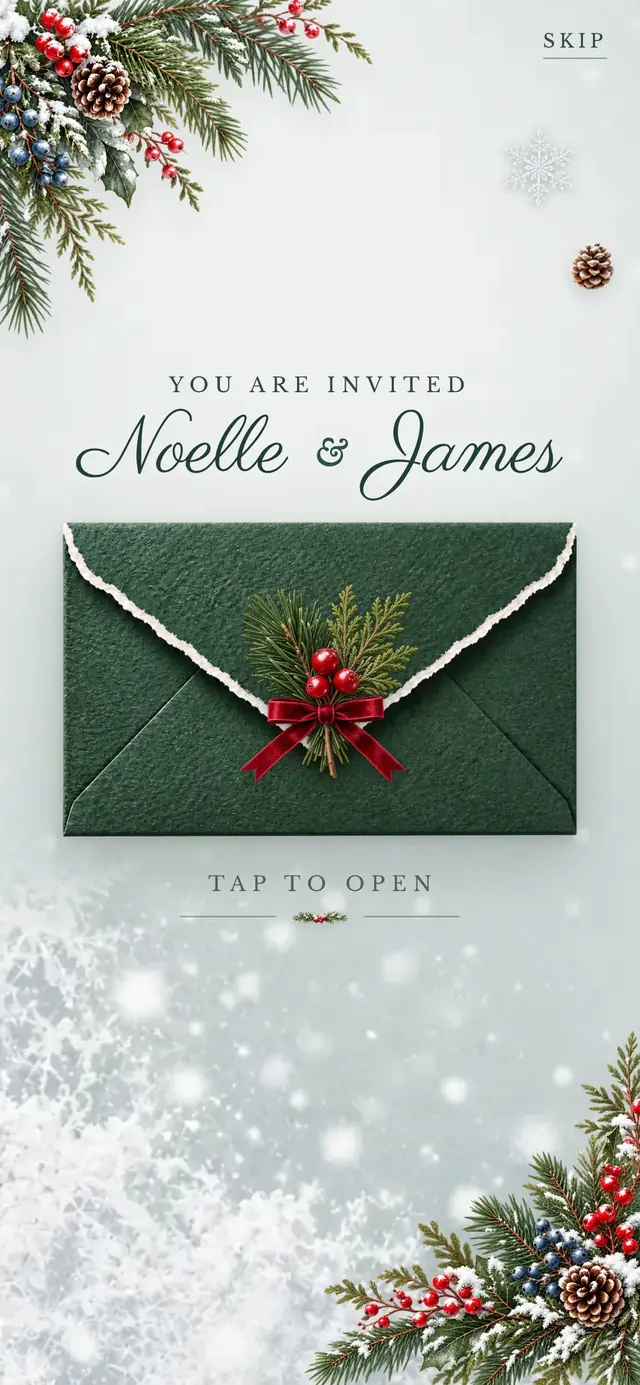
Forest green envelope with a snowy deckle edge, a pine-and-berry bundle, pine cones and frosted window frames.
1,460 TRY on Etsy
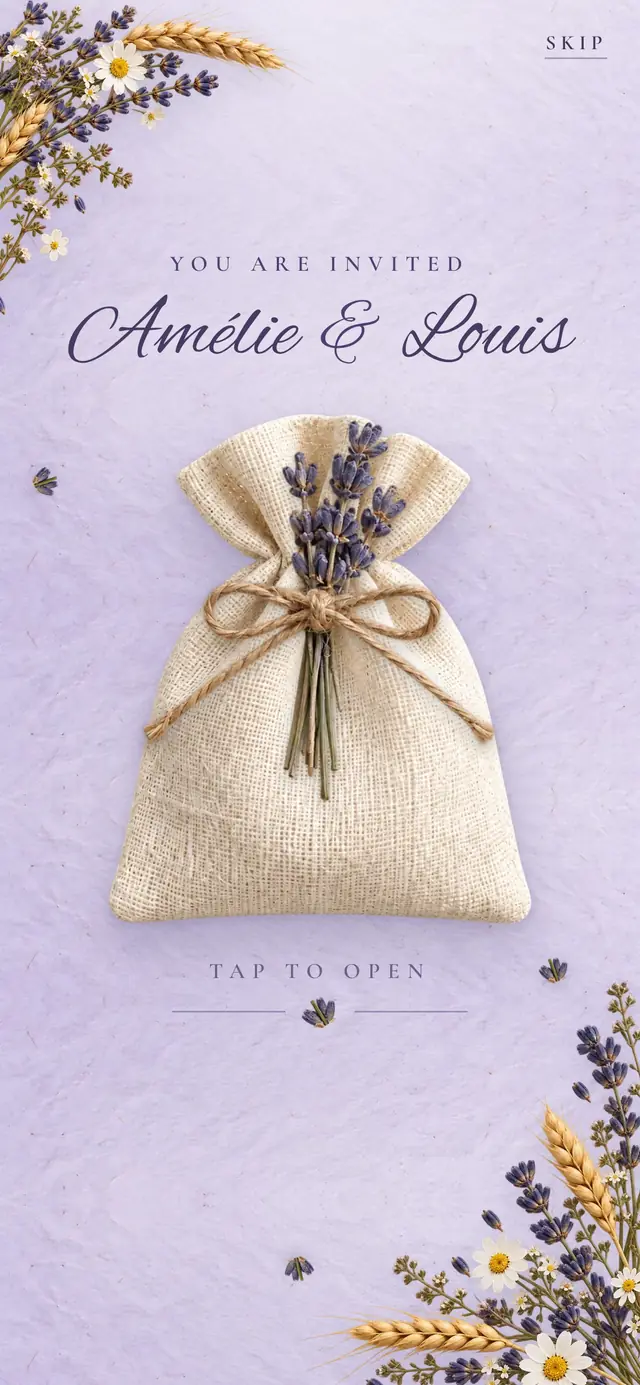
Cream linen pouch tied with jute twine and a lavender bundle, pressed lavender, daisies and pressed-flower cards.
1,460 TRY on Etsy
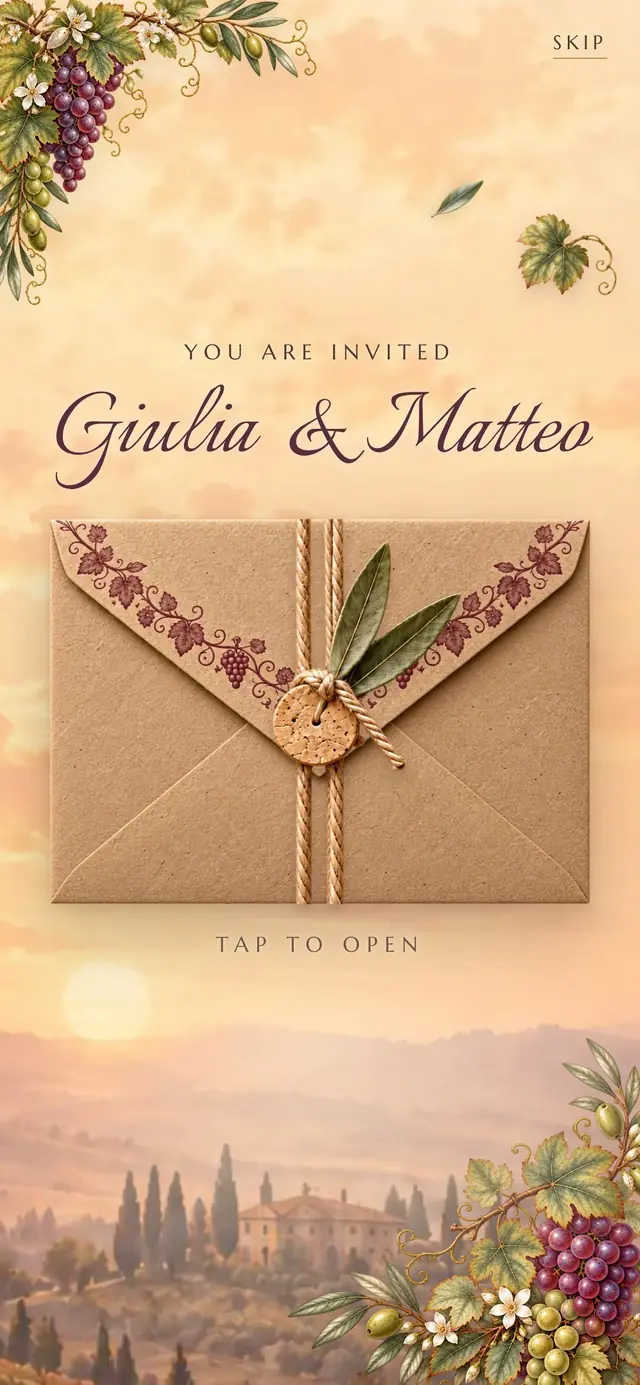
Kraft envelope tied with twine, a cork and olive leaves, grape clusters, vine leaves and wine-label frames.
1,460 TRY on Etsy
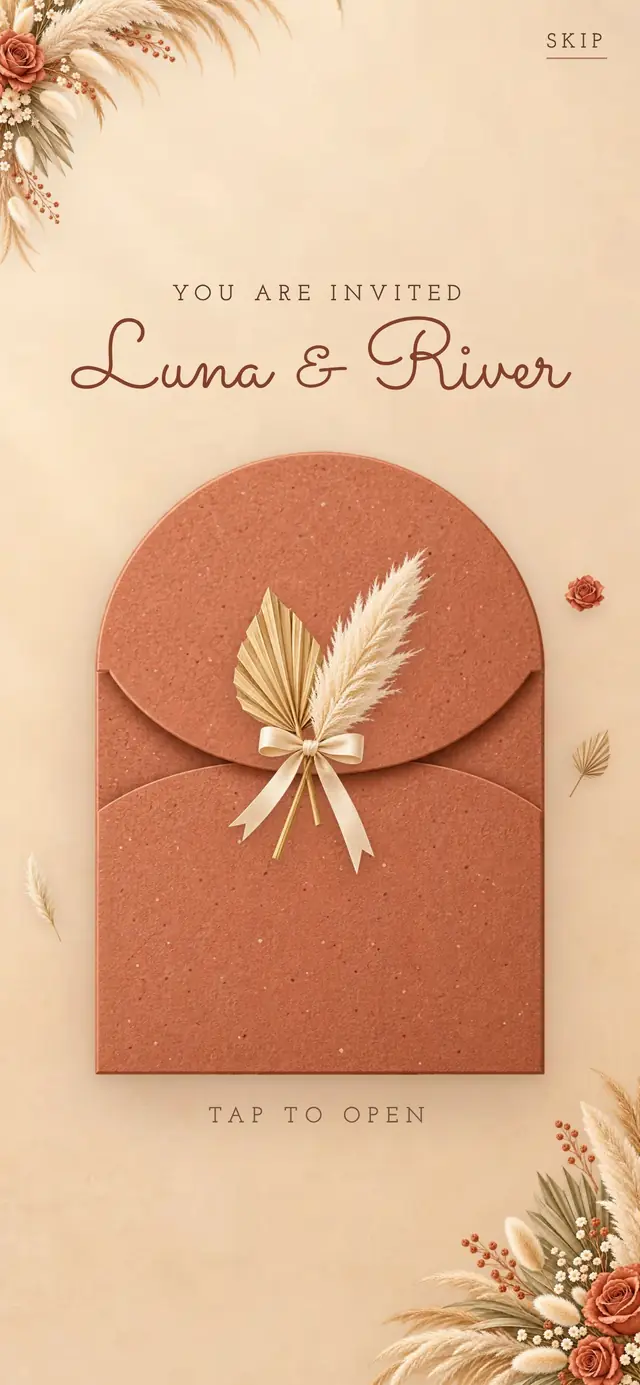
Terracotta arch envelope tied with pampas and a palm spear, dried roses and arch frames on sunlit sand.
1,460 TRY on Etsy
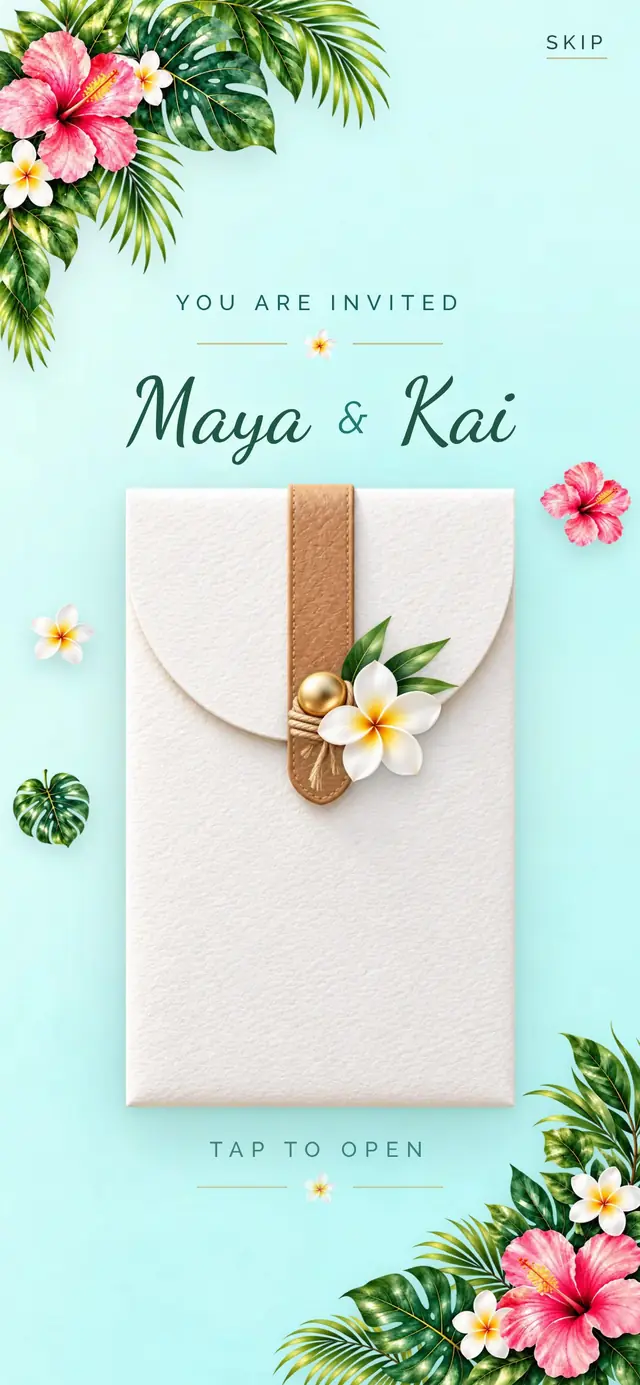
Travel wallet with a leather strap and a brass snap, plumeria, monstera, hibiscus and luggage-tag frames.
1,460 TRY on Etsy
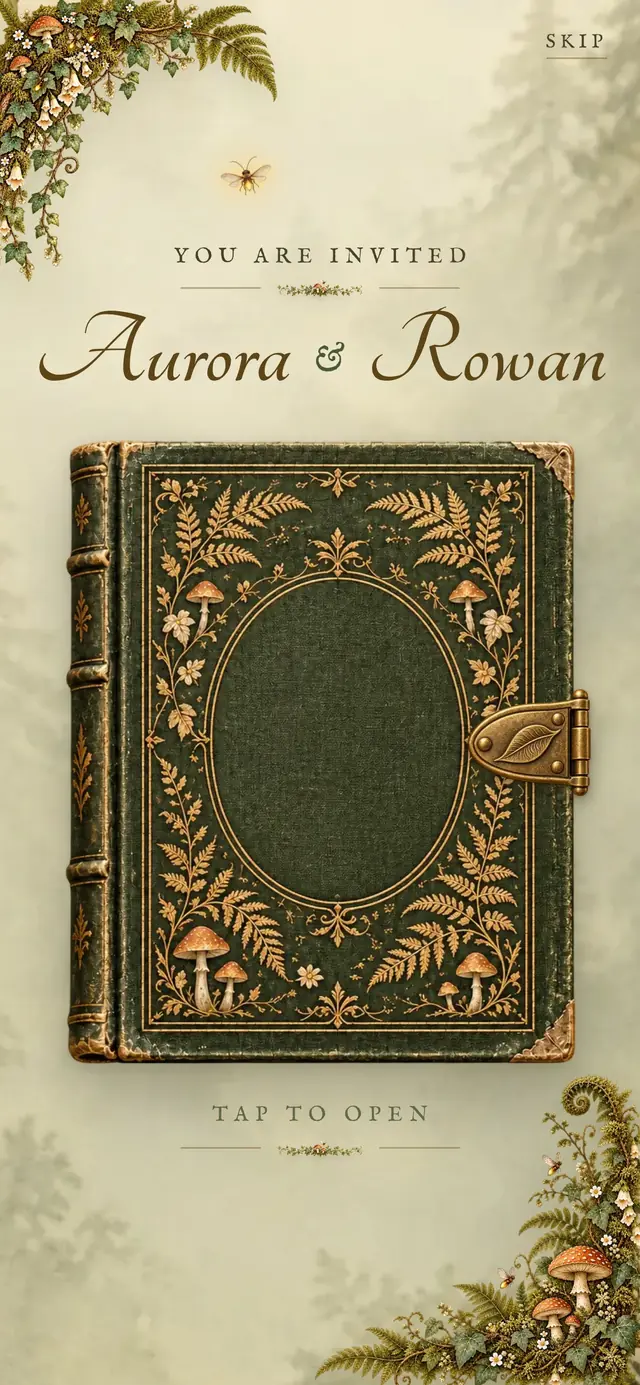
Moss-green storybook with a brass clasp, ferns, toadstools, fireflies and photo-cornered storybook pages.
1,460 TRY on Etsy
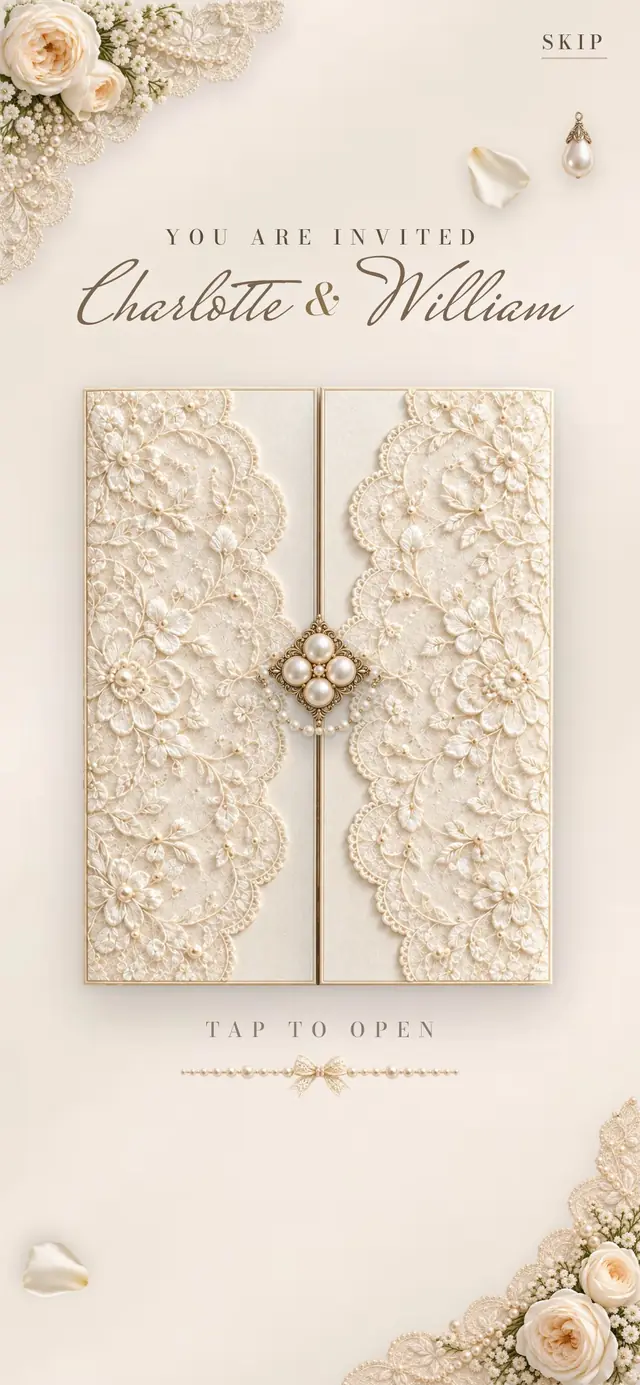
Lace-covered ivory gatefold with a pearl brooch, white garden roses, pearl strands and carved oval frames.
1,460 TRY on Etsy
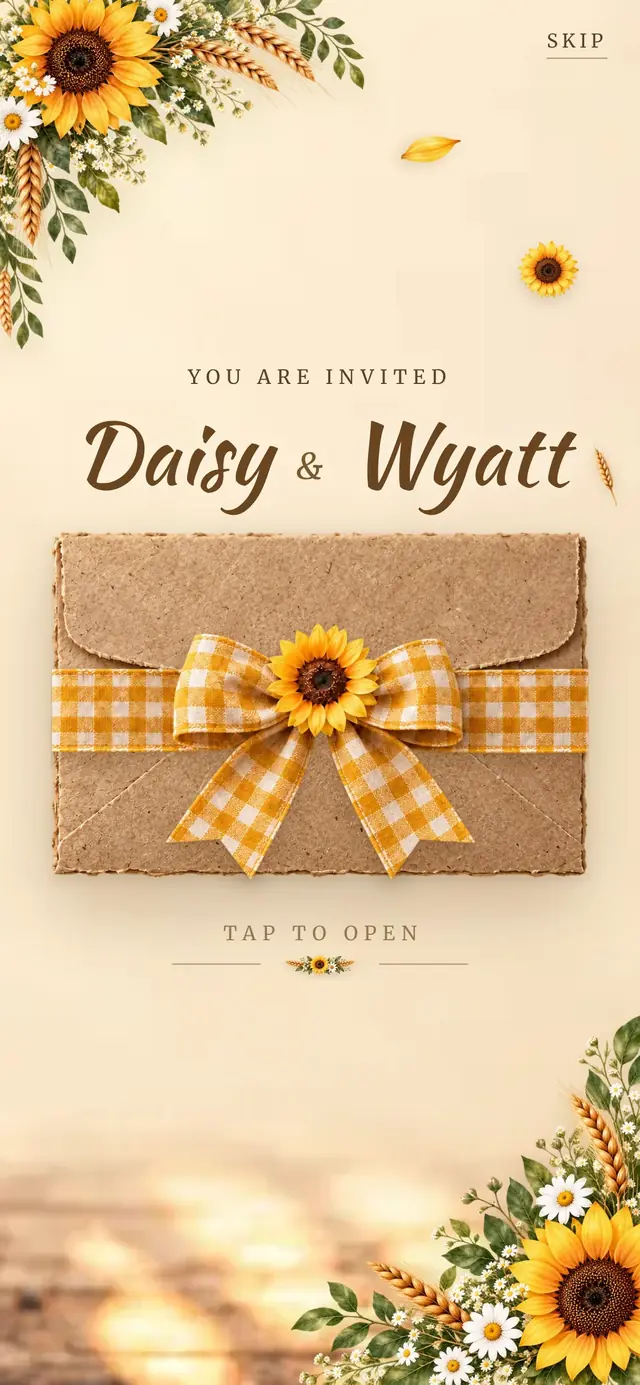
Kraft envelope tied with a mustard gingham bow and a sunflower, sunflowers, wheat and prints pegged on twine.
1,460 TRY on Etsy
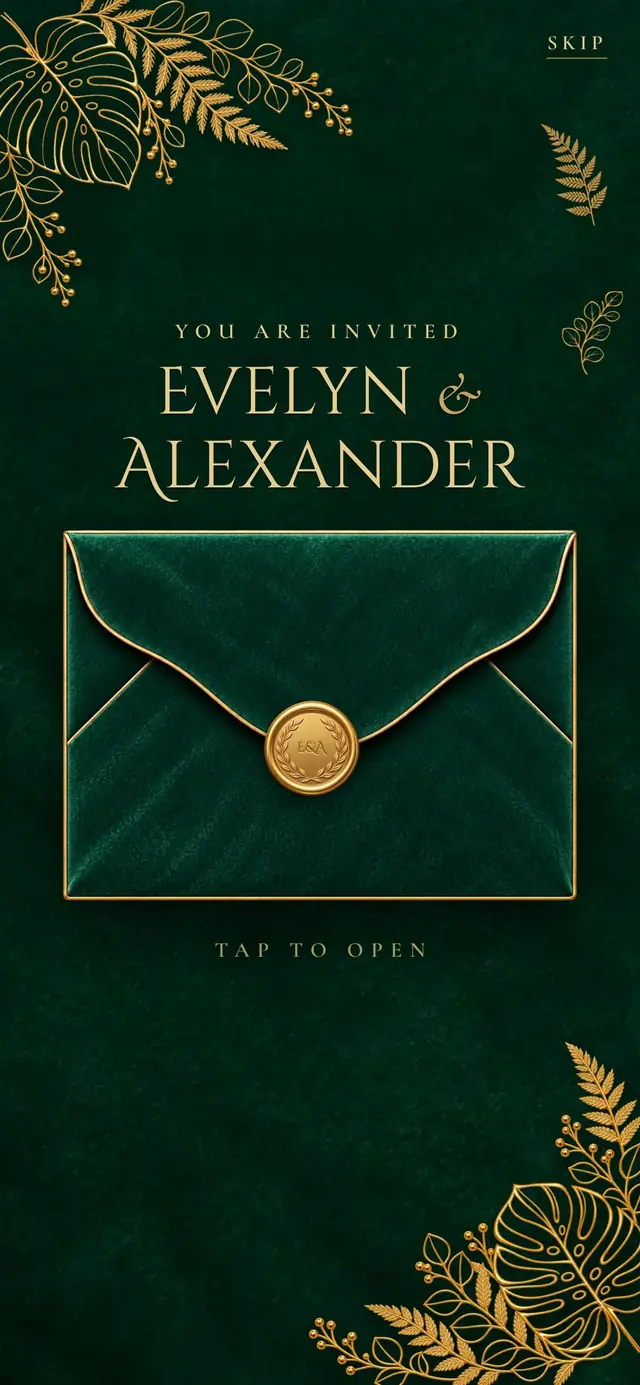
Emerald velvet envelope with a gold seal, gold line-art monstera and ferns, white marble cards and gold frames.
1,460 TRY on Etsy
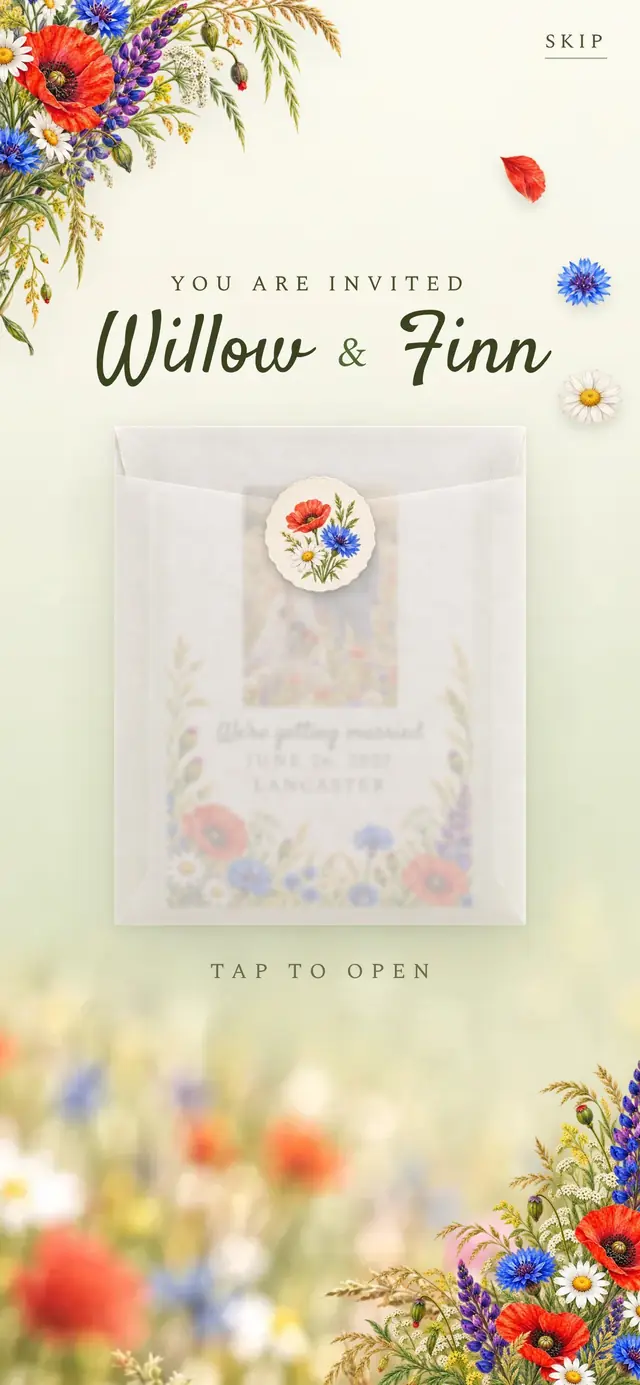
Frosted vellum sleeve with a wildflower label, colored-pencil poppies, cornflowers, daisies and veiled photo cards.
1,460 TRY on Etsy
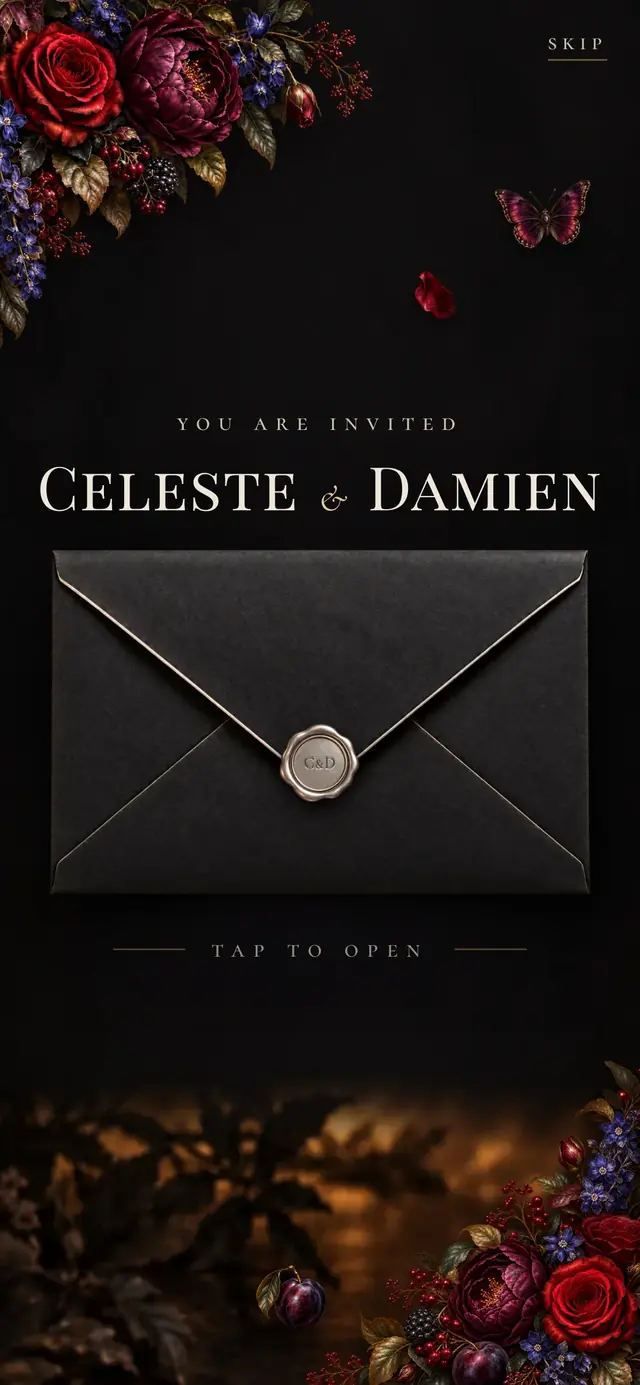
Matte black envelope with antique silver edges and a silver seal, oil-painted roses, peonies and gilded frames.
1,460 TRY on Etsy
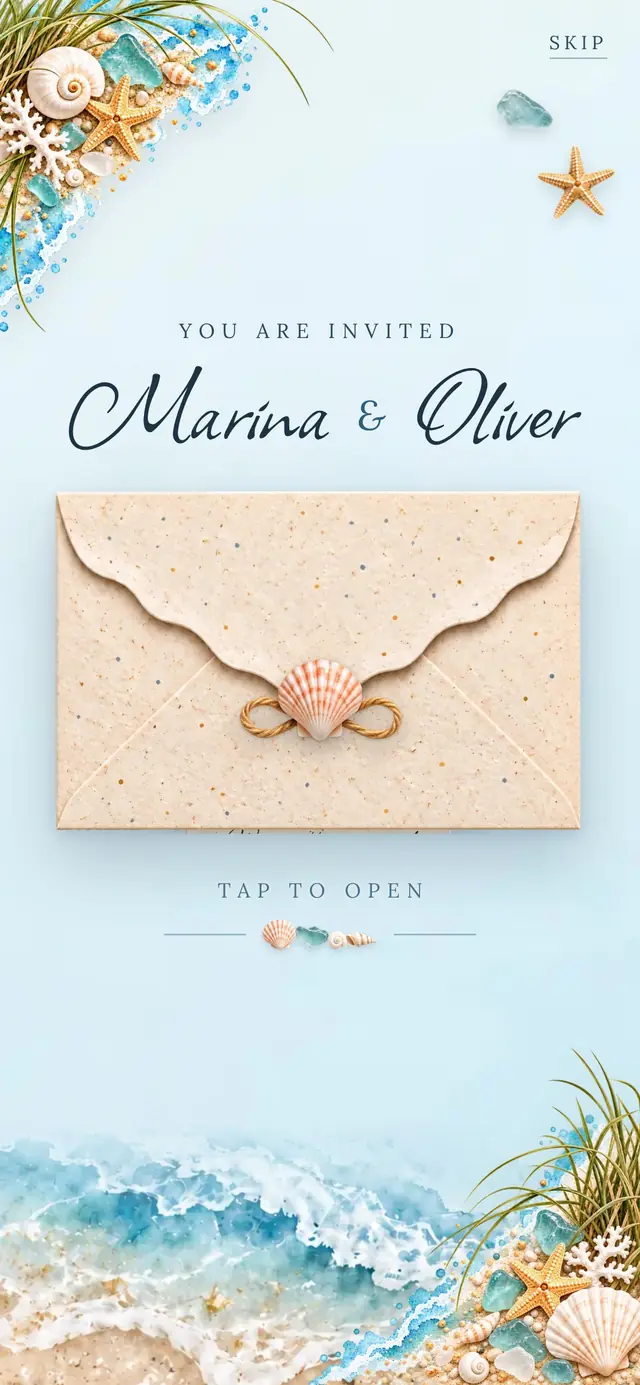
Speckled sand envelope with a wave-edged flap and a scallop shell, watercolor sea, shells and brass porthole frames.
1,460 TRY on Etsy
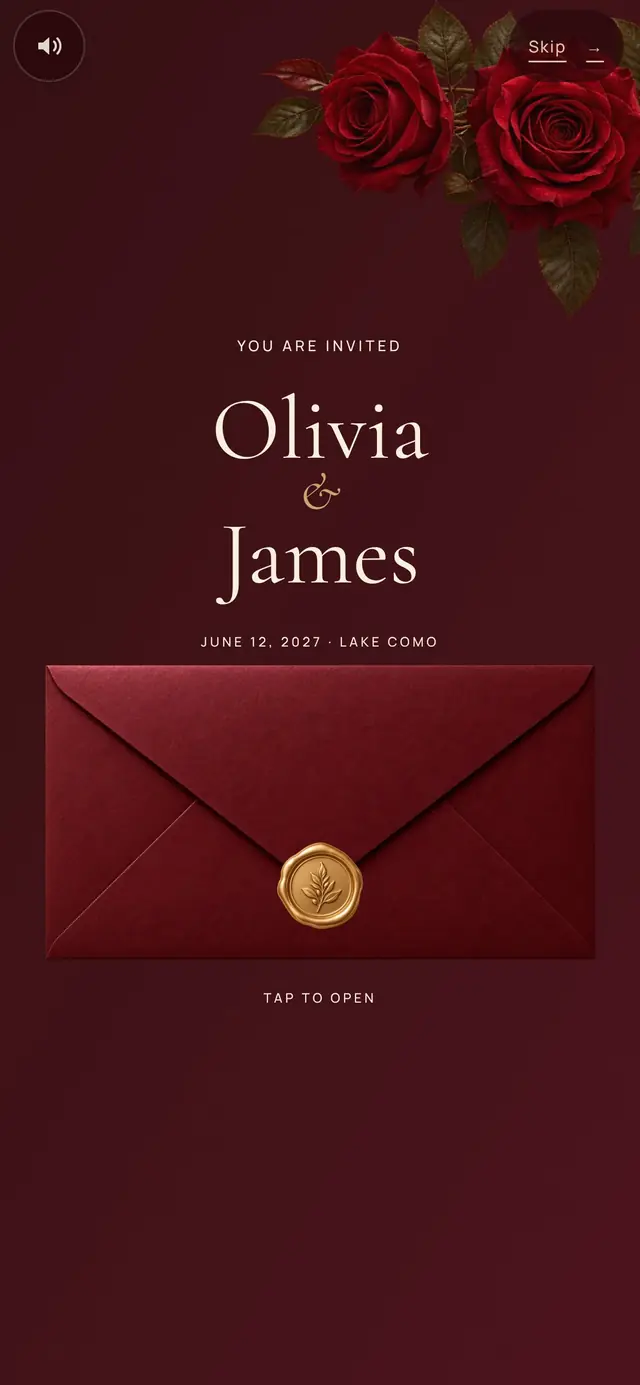
Crimson roses, a burgundy envelope with a gold botanical wax seal, an offset oval portrait and a landscape chapter album.
1,460 TRY on Etsy